One Agent
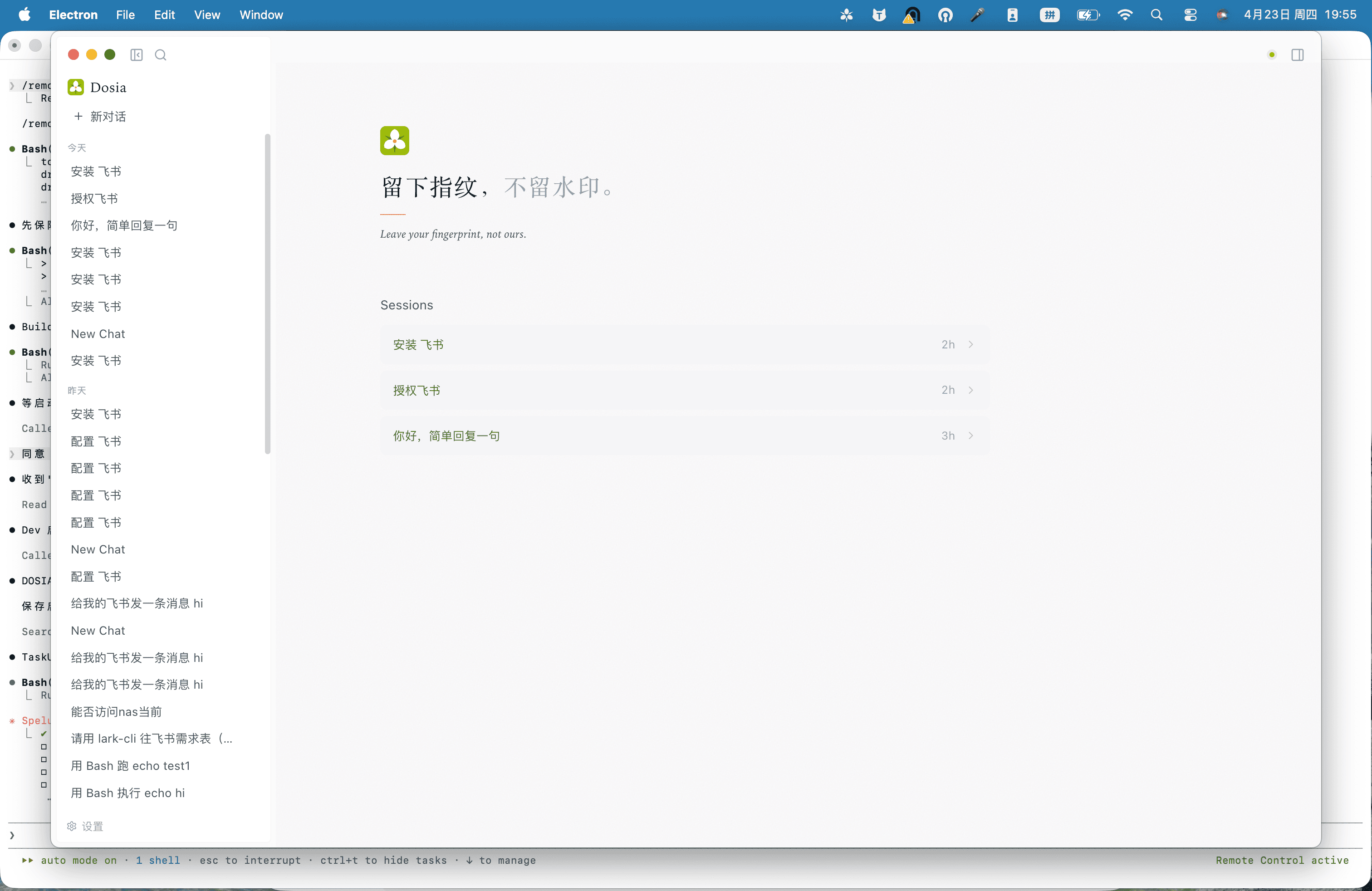
No mode switching, no role picking. DOSIA reads your input, dispatches the right plugin or skill, and stays out of your way.
macOS desktop · Companion to ByteSpike
DOSIA is the macOS AI companion that pairs natively with your ByteSpike account. Lark, browser automation, and fifty-plus skills — one login, no extra config.
v0.1.2 · macOS 13+ · Apple Silicon · 154 MB / Intel · 158 MB · Windows · soon
Why DOSIA
No mode switching, no role picking. DOSIA reads your input, dispatches the right plugin or skill, and stays out of your way.
Session, personal, project, role, enterprise — every file lands in the right scope. Sub-agents inherit sandbox boundaries automatically.
Lark, browser automation, capability market, design system — 50+ skills today, with a marketplace for first- and third-party plugins.
One account powers chat, image, video, embedding, rerank — billing transparent, organization quotas honored, no extra config.
Five skills, real screenshots
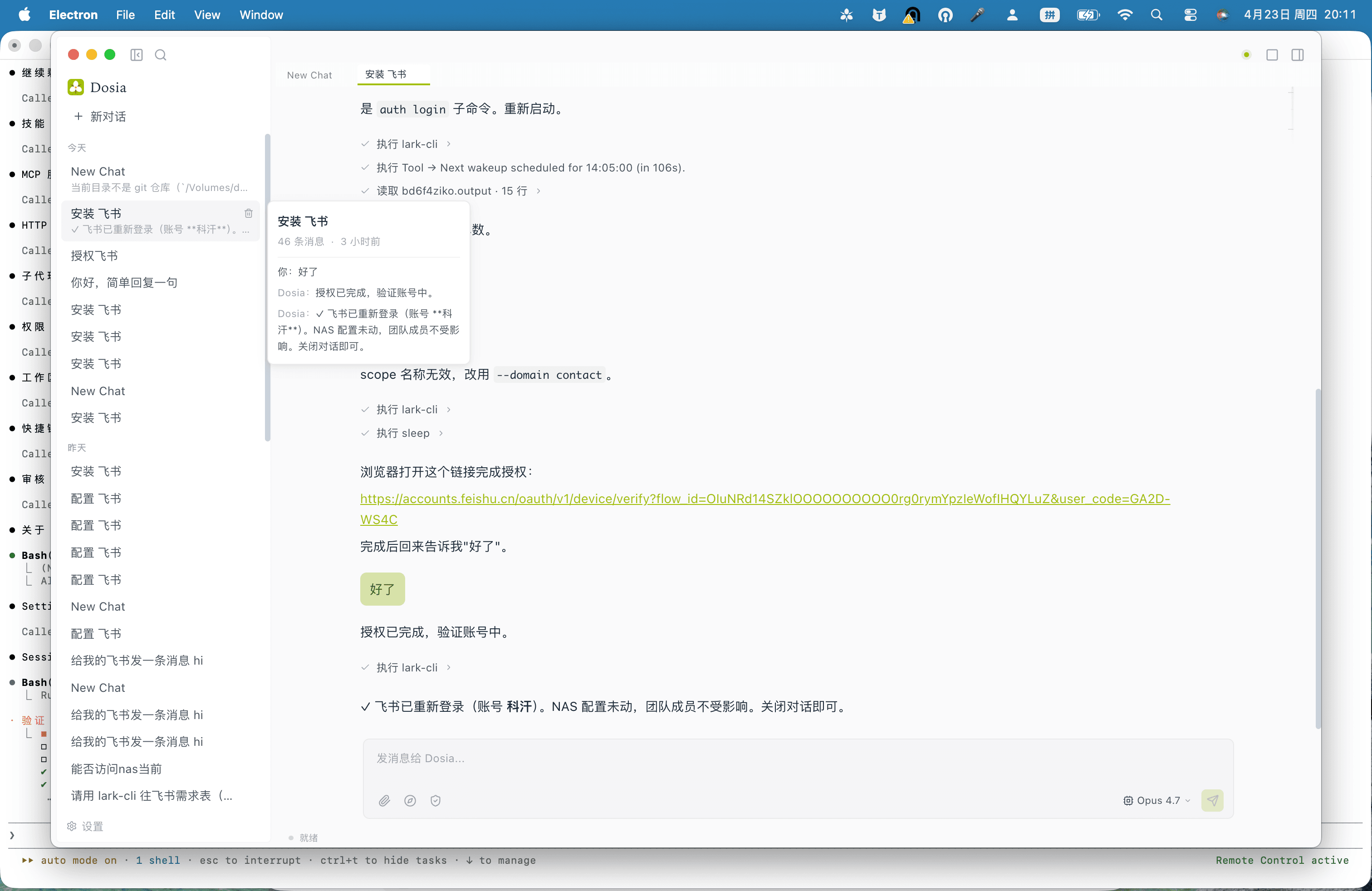
lark-base
Read and write your team's Lark base records, session memory across feishu groups — without the OAuth dance every time.
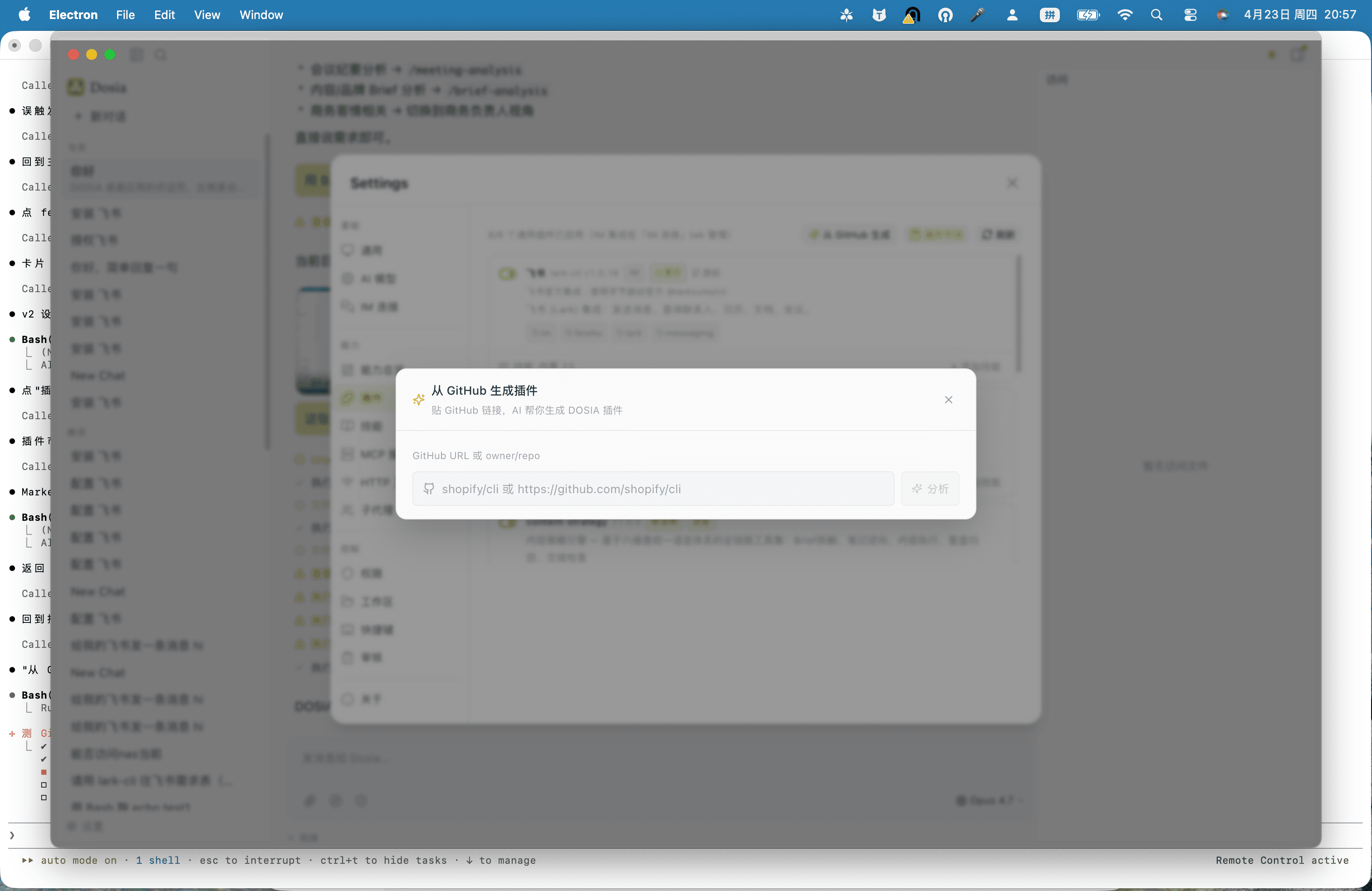
browser-automation
Sub-agent isolated chrome-devtools toolkit; the model can drive a real browser to fill forms, scrape pages, and verify UI flows.
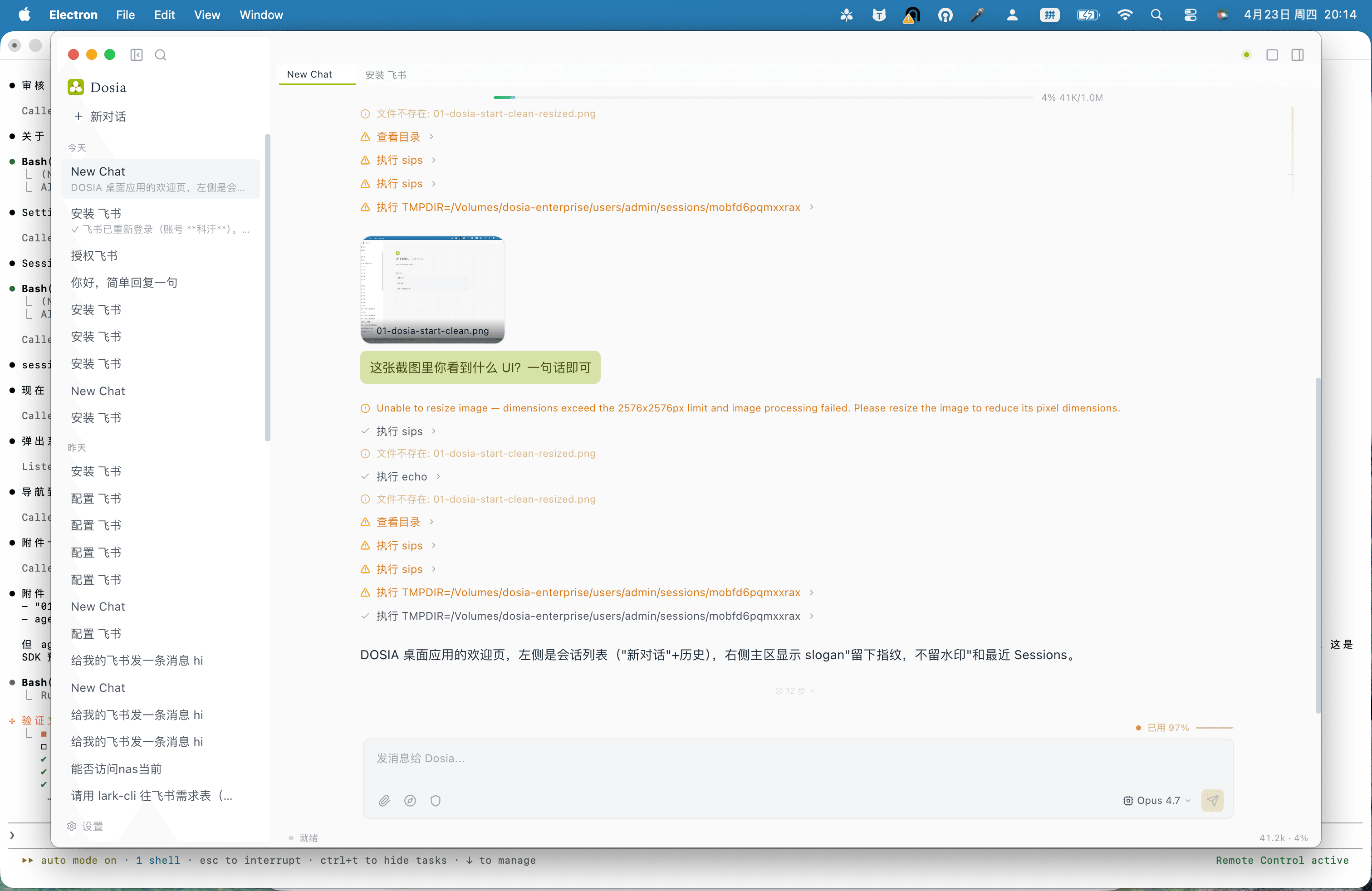
nas-sync
Attach files by path, not upload — DOSIA hands the agent a sandboxed read of your NAS share, so 50 MB CSVs land in three keystrokes.
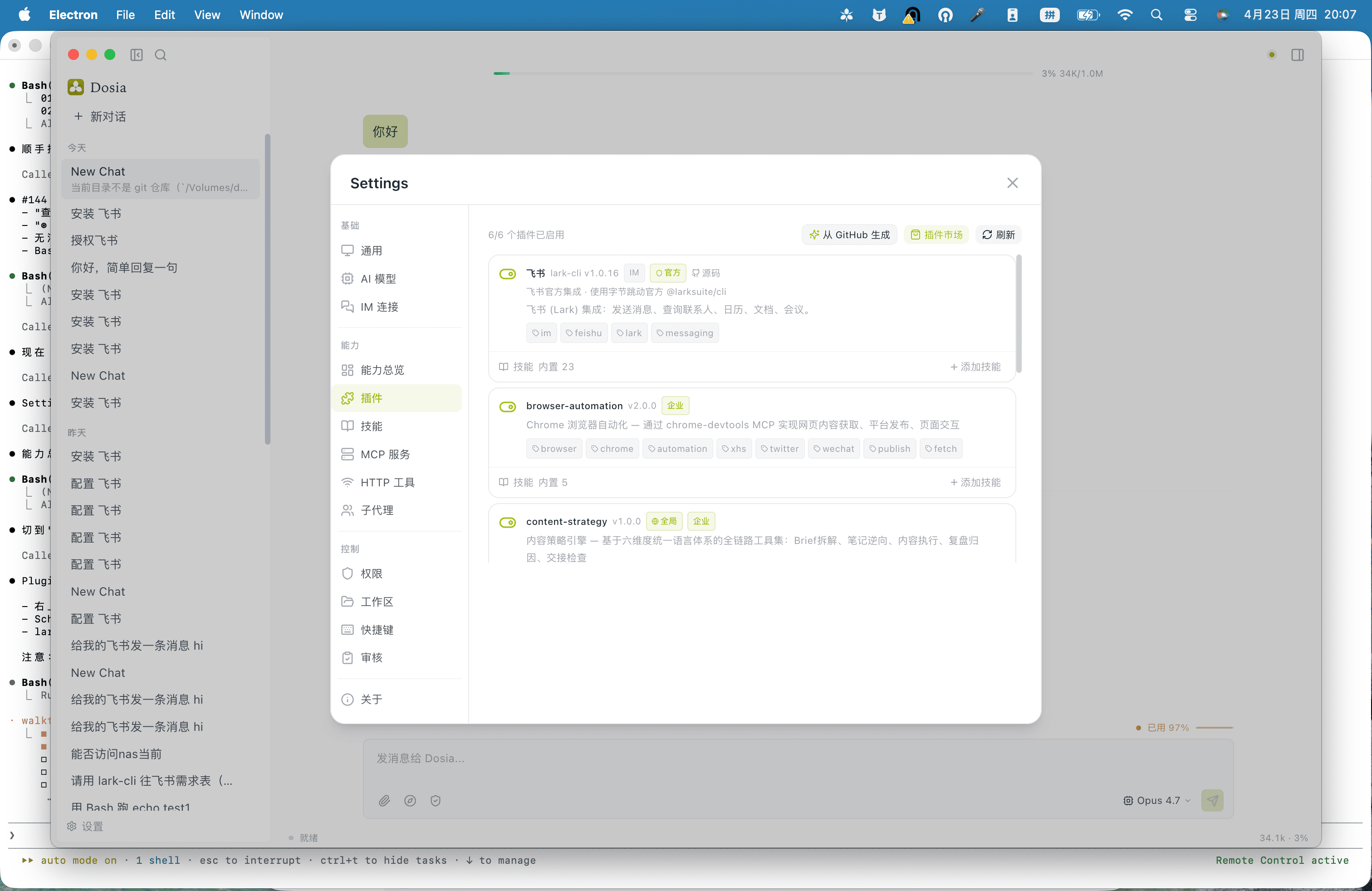
plugin-marketplace
Browse first-party and community plugins. One-click install, sandbox isolation, version pinning per project.
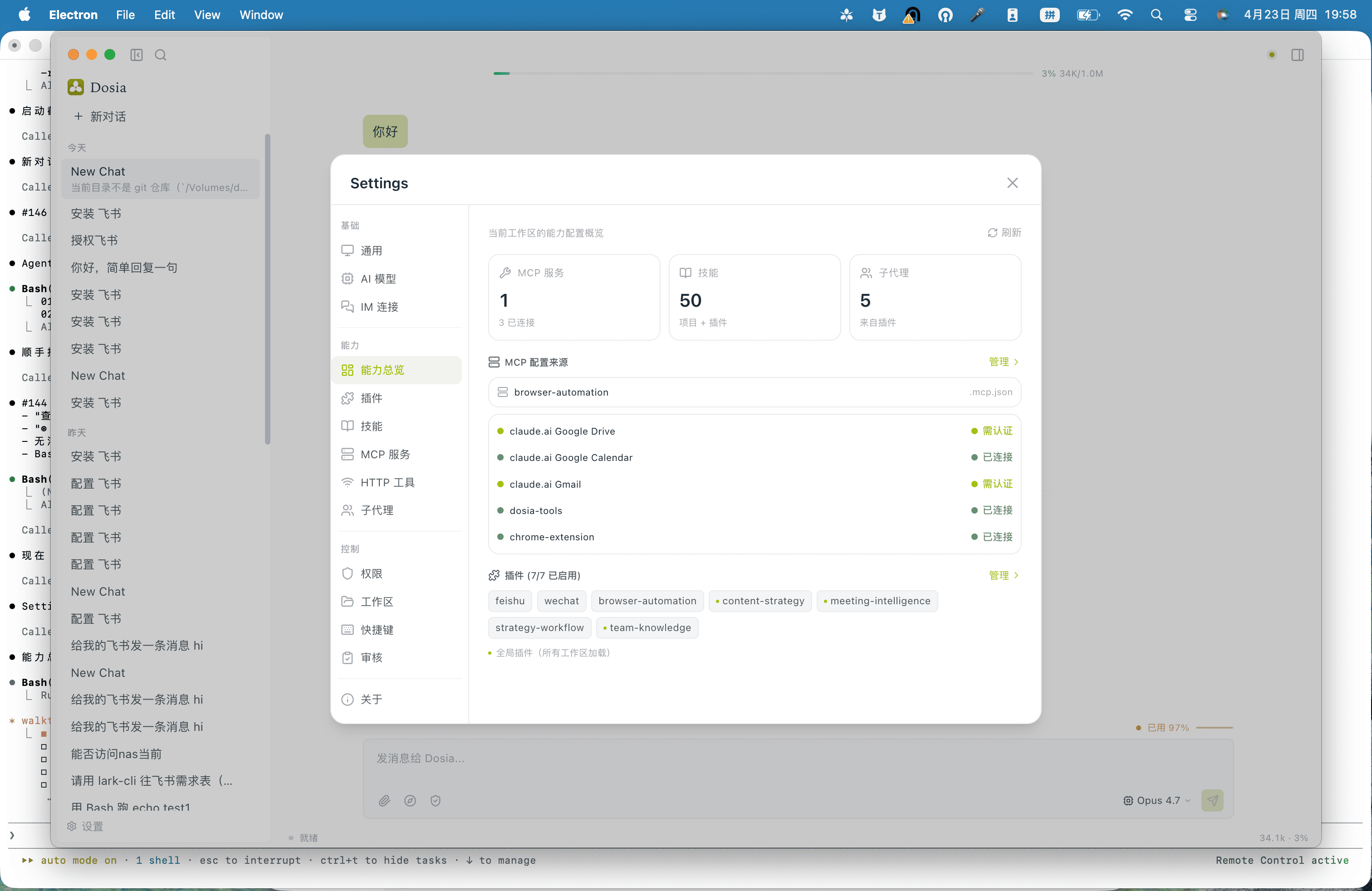
capability-market
DOSIA's capabilities (image, video, embedding, rerank) auto-route through your ByteSpike key — no per-skill credential management.
Plus 45 more skills shipped — design-system, doc-sync, sdk-upgrade-check, tdd, systematic-debug, feature-plan, and counting.
Sign in with ByteSpike (preview)
DOSIA Settings → Capability Market → Sign in with ByteSpike. Browser opens for OAuth; PKCE secured; DOSIA receives your account info, balance, and a managed key — encrypted via macOS Keychain. Manual key path stays available.
Currently in private preview (C6, ETA Q3 2026). Manual sk-byts key works today.
ByteSpike (Official)
One key, 23 endpoints. ¥10 free credits at signup.
One-click pairing — no manual key copy-paste.
Plugins & skills
Get started
Pick your build (Apple Silicon recommended).
Standard macOS install. Code-signed and notarized.
One account for API and desktop. Free credits at signup.
DOSIA picks the right model and skill for every prompt.
Changelog